
OVERVIEW
FEATURES
INTEGRATION
SUPPORT
You create attributes from the User Attributes page using the Add Attribute button. Once it’s created, you can add a value to any Contact from their profile, during a Live chat, from History, or automatically using the Set Attribute node in a Flow.
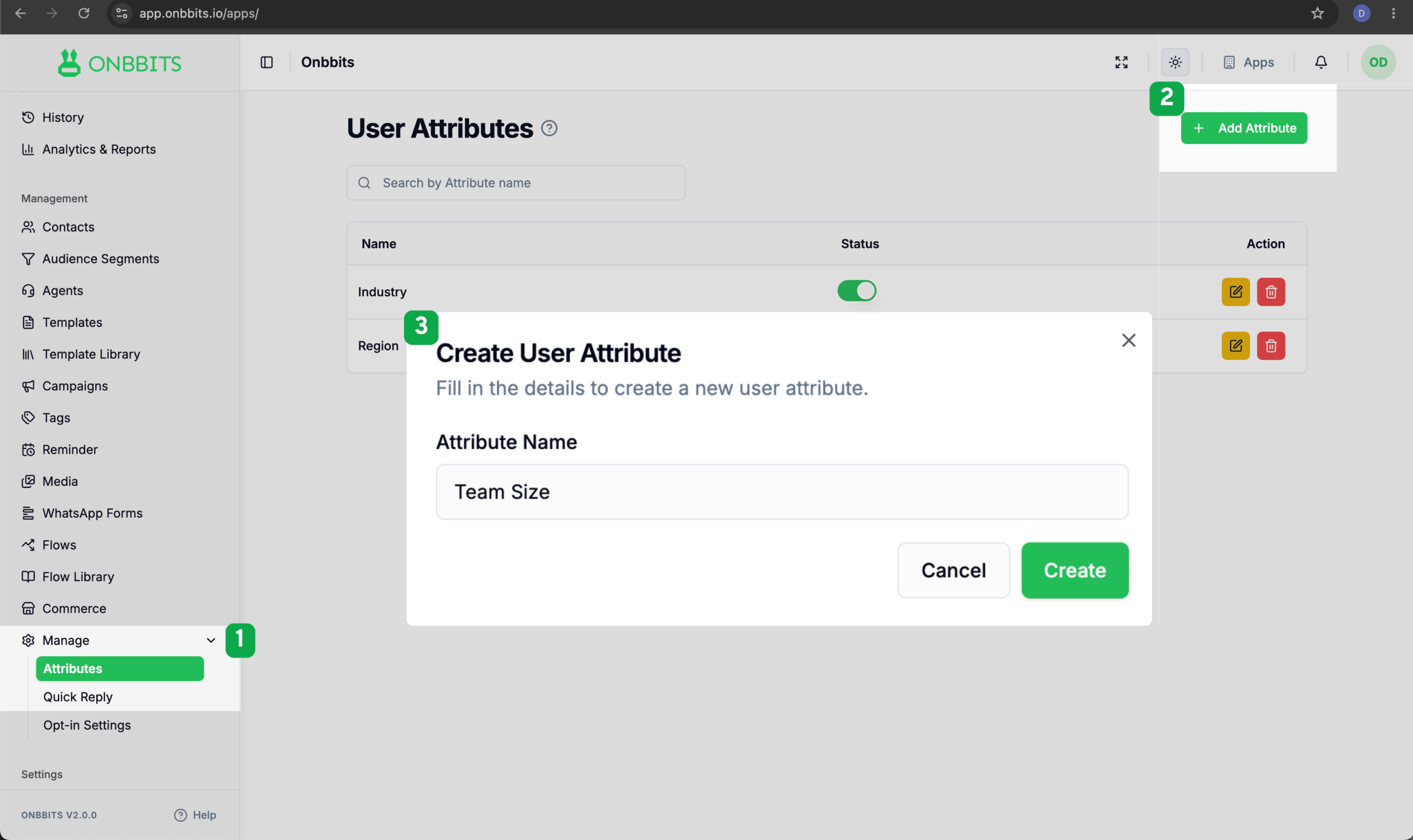
Your new Attribute now appears in the User Attributes list and is switched on by default, so it’s immediately available on every Contact.
Once an Attribute exists, you can fill in or update its value. You’re not limited to one place; you can do it from wherever you’re working with the Contact:
Our support team is ready to assist you.
© 2026 ONBBITS. All rights reserved.