
OVERVIEW
FEATURES
INTEGRATION
SUPPORT
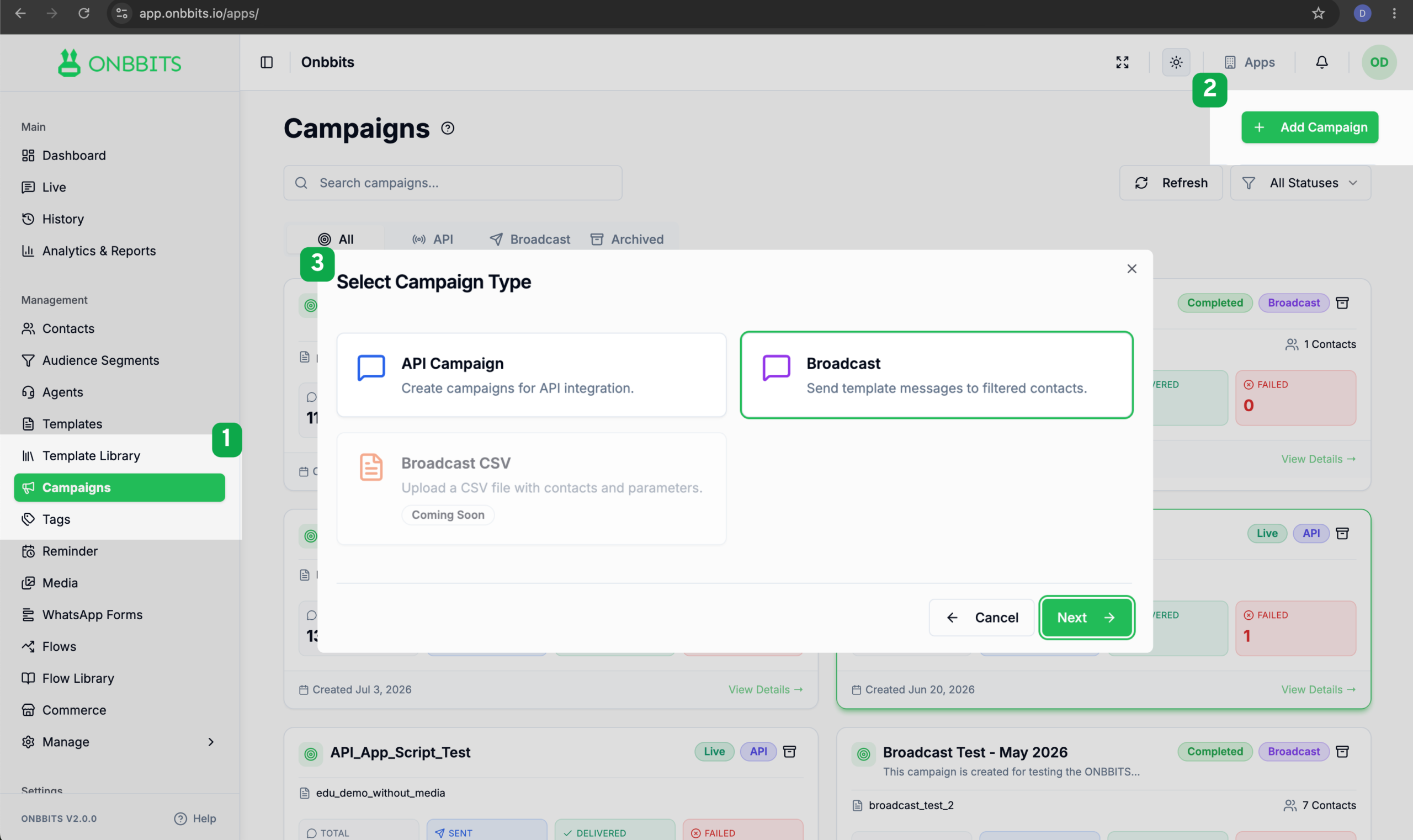
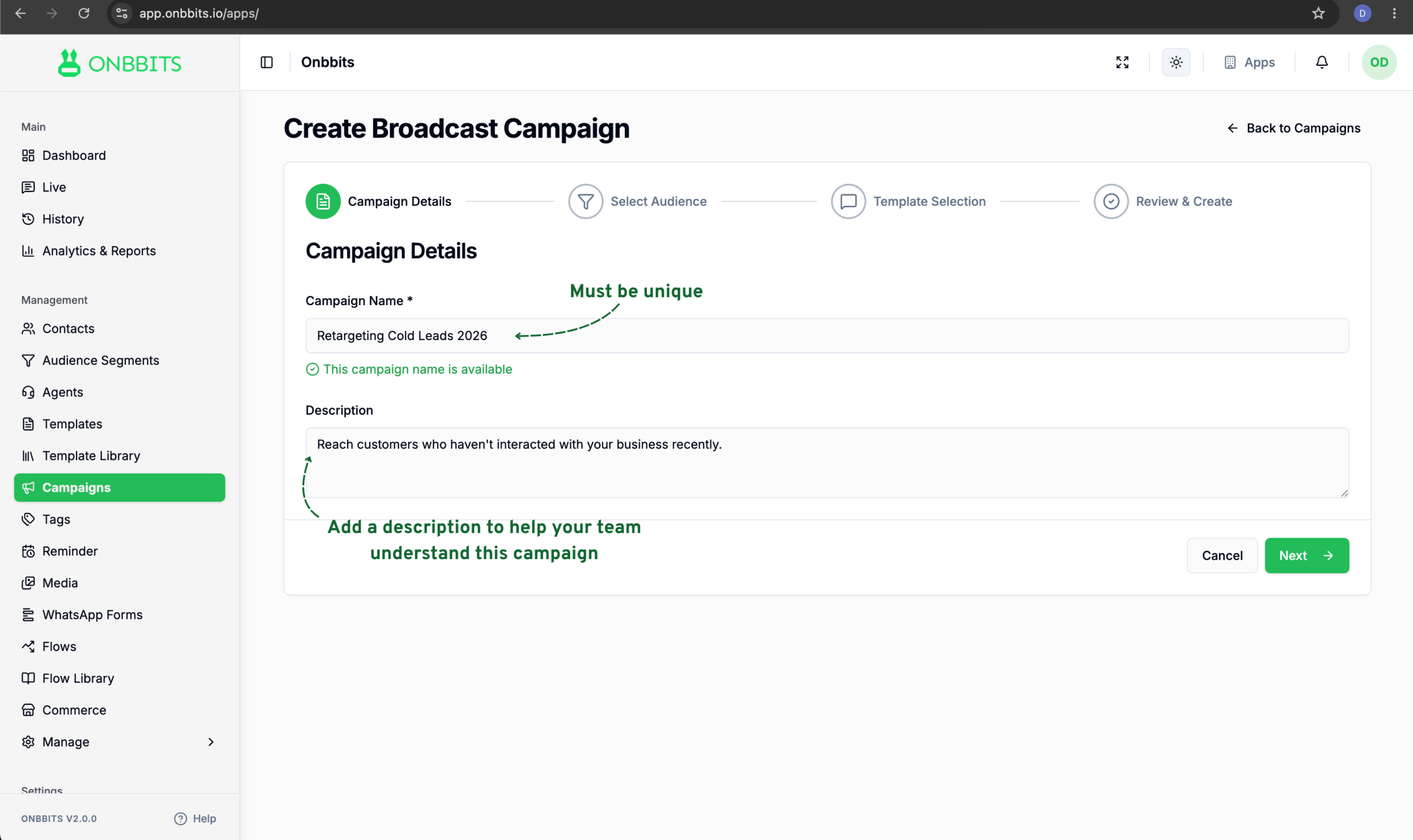
This guide walks you through creating and launching a Broadcast Campaign in Onbbits, from picking your audience to sending your message.
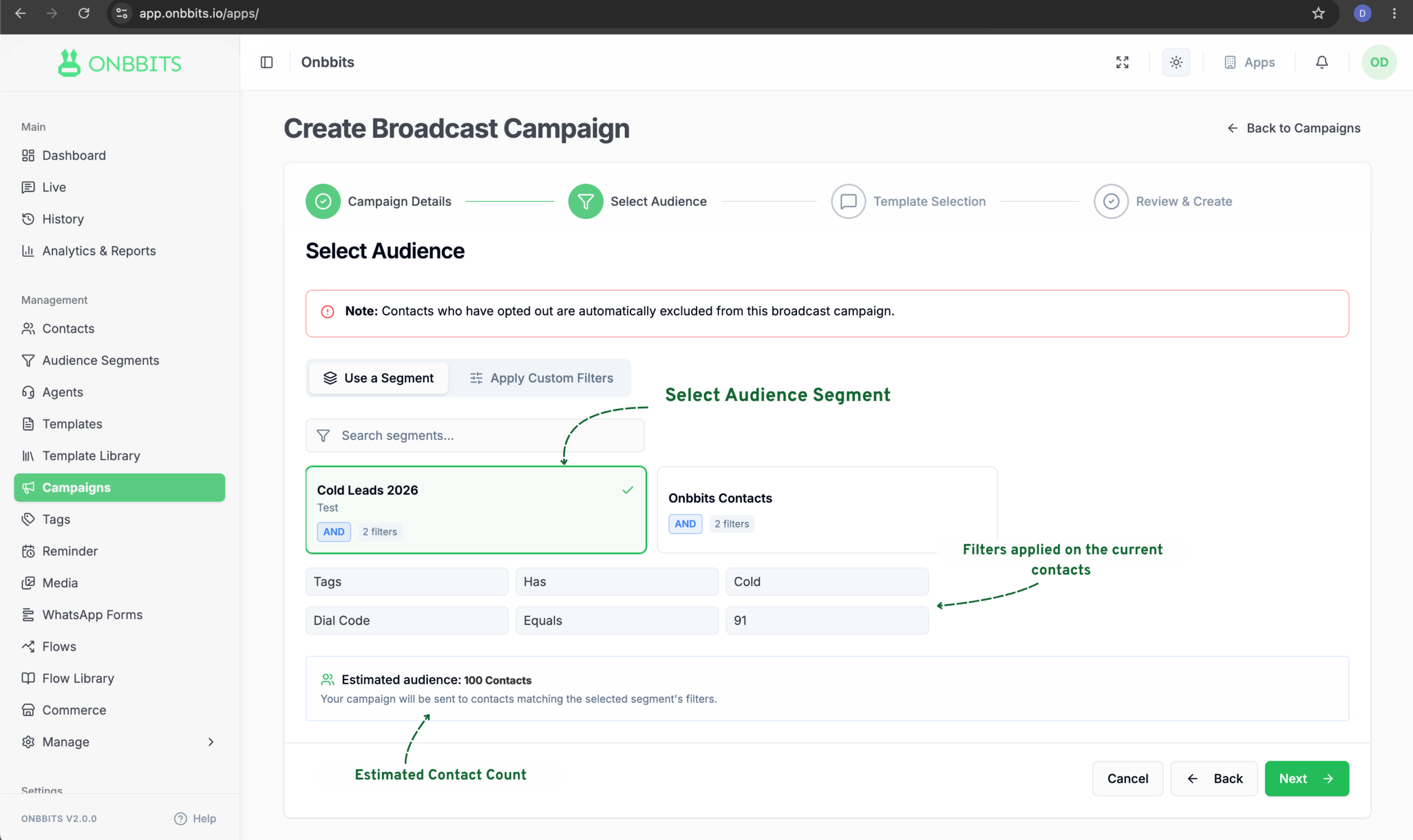
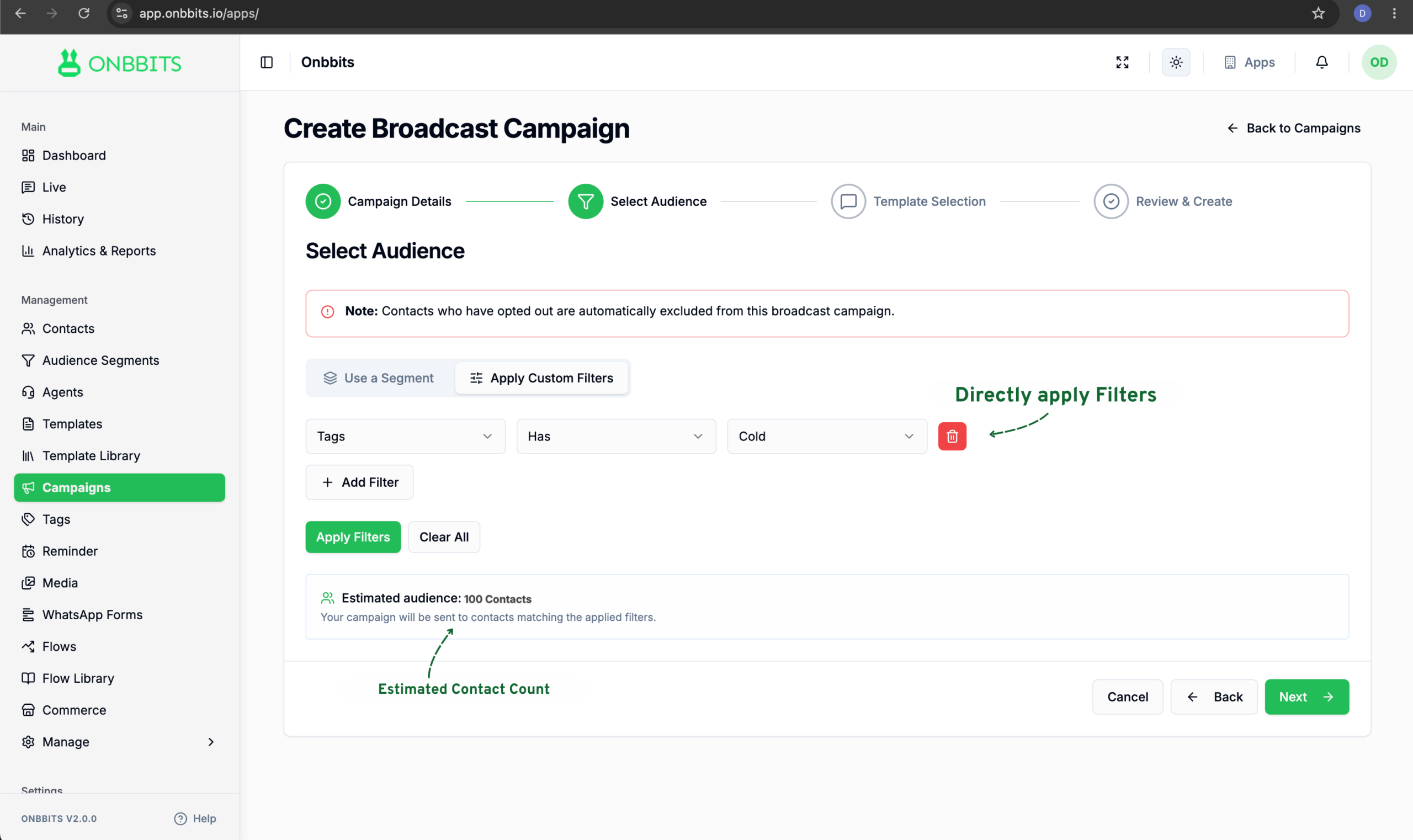
Contacts who have opted out are automatically excluded from every Broadcast Campaign, so you don’t need to filter them out yourself.
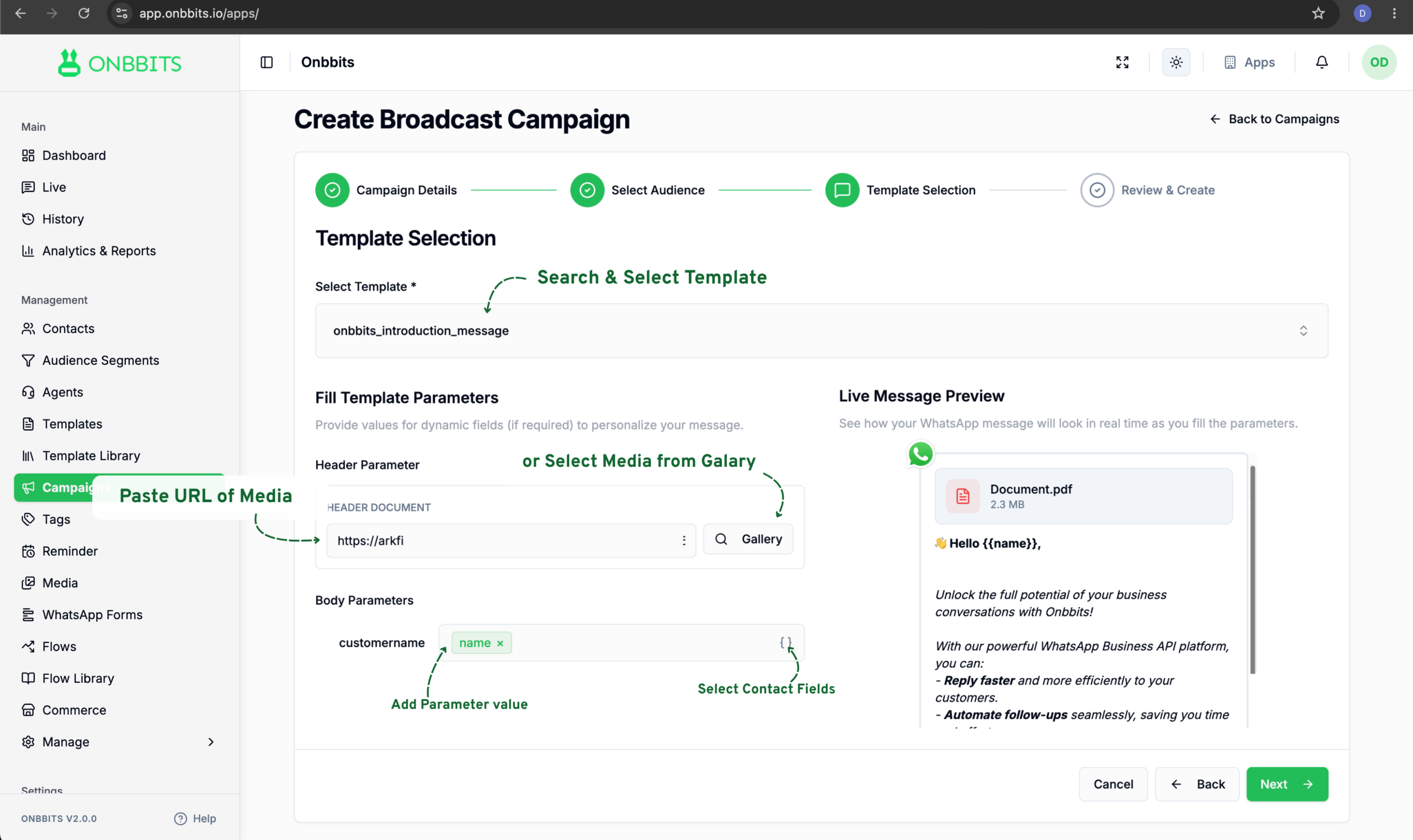
The final step shows you everything about the campaign before it goes out.
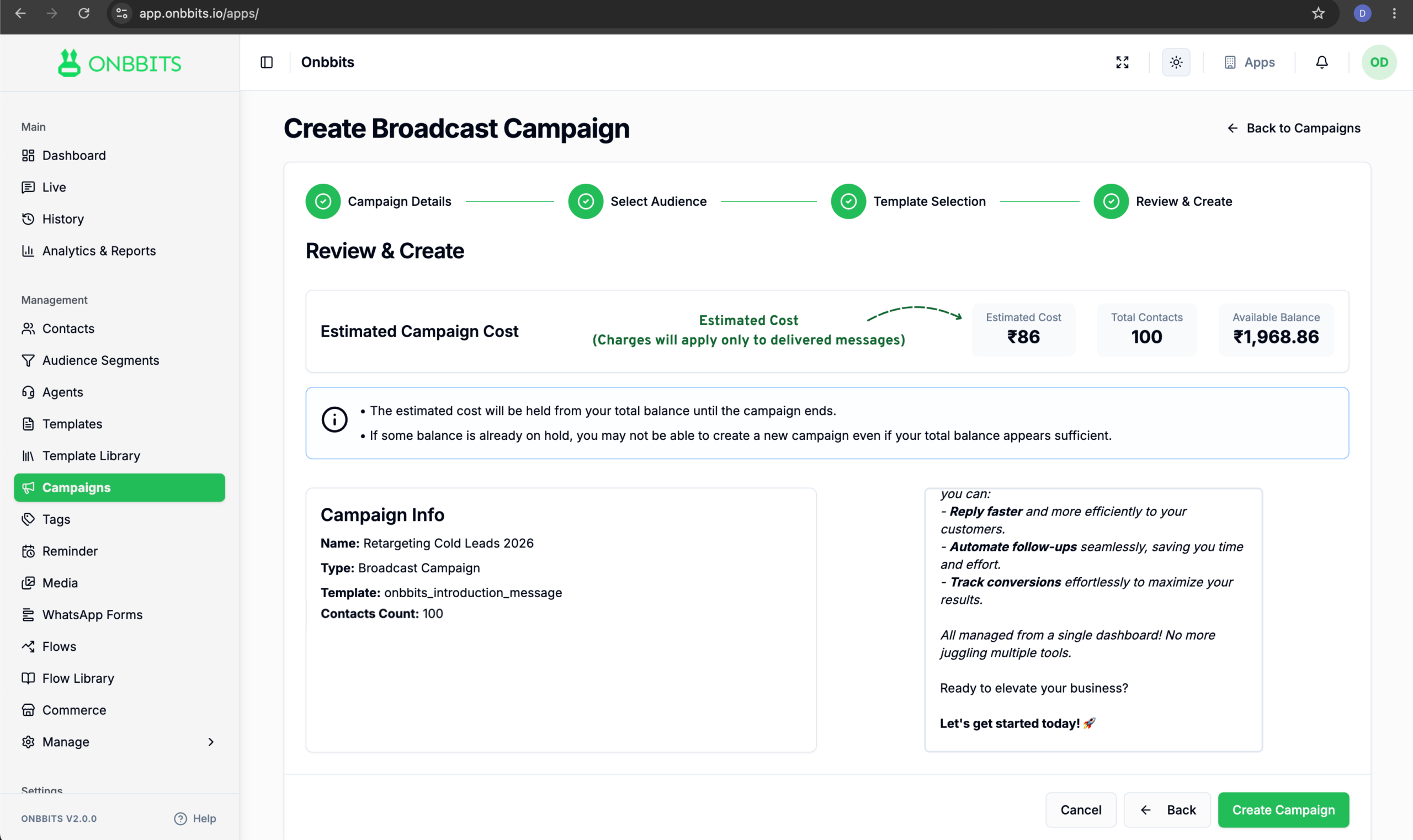
You’ll land back on the Campaigns dashboard after clicking Create Campaign. The campaign won’t send instantly. It moves through a few statuses over a minute or two: Draft, then Queued, then Sending, and finally Completed.
Failed contacts work differently. Instead of creating a new campaign, you resend the same message directly to the contacts that failed.
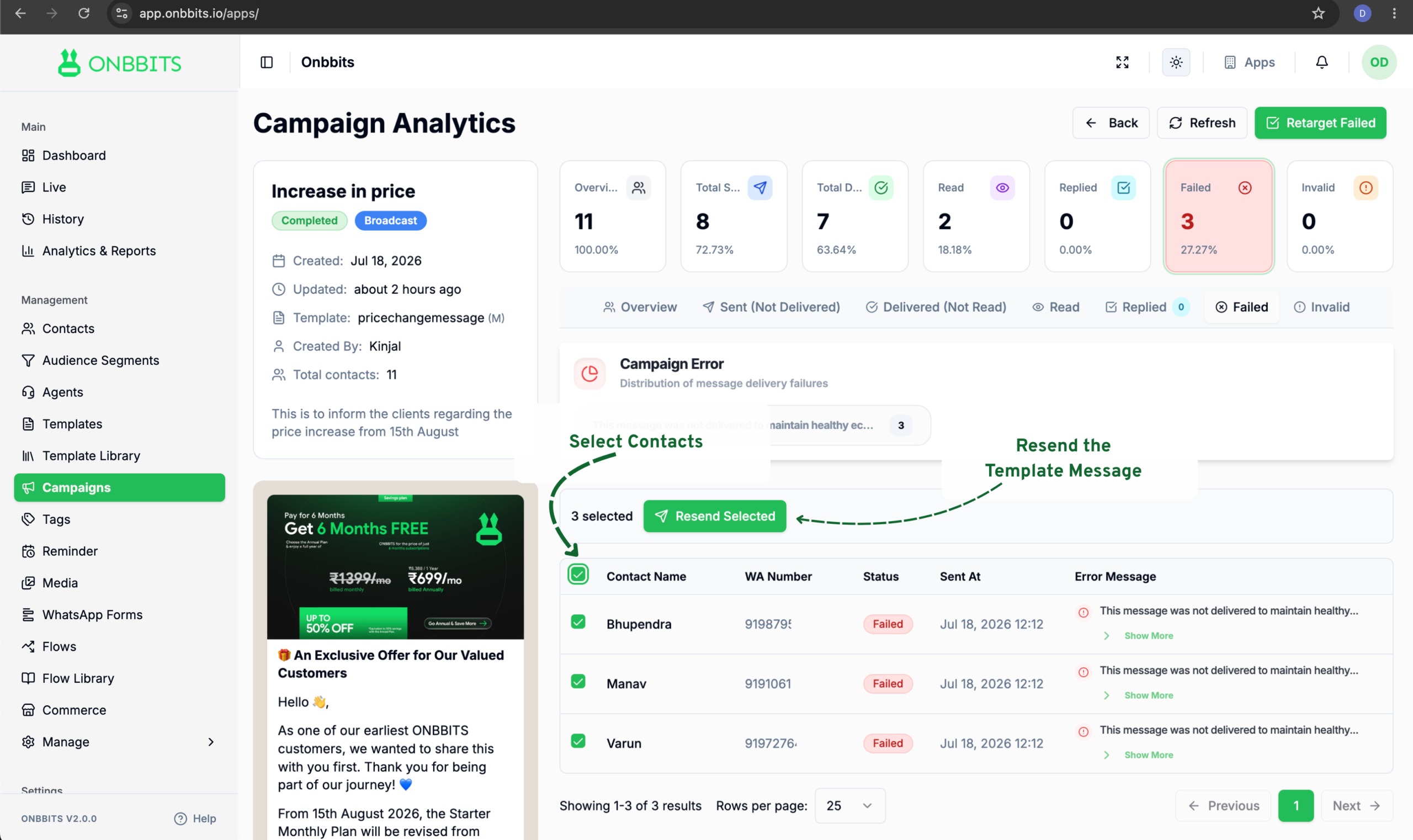
This resends the message to just those contacts within the same campaign. No new campaign is created.
Still Have Questions? Visit Our FAQ Page
Our support team is ready to assist you.
© 2026 ONBBITS. All rights reserved.